
Two shapes can fit together perfectly in a model and refuse to assemble after printing. If both mating dimensions are identical, the design hasn’t left a deliberate gap for the parts to meet or move.
Before printing the whole assembly, define the fit you want and make a small sample of the relevant geometry. Record the intended dimensions, the printed dimensions, and what happens when you try the fit. Those are three separate pieces of information.
Describe the movement first

Does the part need to slide freely, rotate, come apart by hand, or stay located after assembly? Write that requirement in ordinary language. “Fits well” is too vague to guide a revision if one person expects a sliding fit and another expects a snug insert.
Prusa’s guide to modeling for 3D printing explains that there is no universal tolerance value. Geometry, orientation, printer calibration, settings, and material all affect the result. It also distinguishes parts that need to move from parts intended to lock or snap together.
Treat a suggested clearance from a guide as something to evaluate for your project. Don’t turn it into a guaranteed setting for every printer, material, and shape.
Be clear about which gap you mean
Consider an illustrative rectangular insert 20 millimeters wide inside an opening 20.4 millimeters wide. The difference between those widths is 0.4 millimeter total. If the insert is centered, that leaves 0.2 millimeter on each side in the model.
That arithmetic is not a recommended clearance. It shows why “add 0.2 millimeter” can mean different things. Adding that amount to an opening’s total width is different from adding it at each side.
Write the insert width, opening width, and total difference on the drawing or in the design notes. If you use a CAD offset, confirm how that command changes the relevant boundary. Check the resulting dimensions instead of assuming the number entered describes the finished gap.
Print the relevant section
Choose a small sample that preserves the mating shape and its intended print orientation. Include enough of the feature to evaluate the assembly you care about. A shallow opening may answer a different question from a long sliding channel.
Prusa recommends test prints and iterations before calling a design final, and notes that keeping the design adjustable helps. Save the editable model and version it before changing the fit.
Label each sample with its intended dimensions or keep it beside a clearly labeled record. Use the intended filament and print setup. If you change the material, orientation, or settings during the comparison, record that change rather than attributing every difference to the modeled gap.
Record the fit before revising it
Use a short record for each sample:
| Record | What to write |
|---|---|
| Intended dimensions | The relevant dimensions in the model, with units. |
| Printed dimensions | Your measurements of the actual mating features. |
| Print setup | Material, profile, orientation, and other relevant settings. |
| Assembly observation | Where it catches, moves freely, feels loose, or fails to meet the requirement. |
| Next change | The specific dimension or setup change you will evaluate. |
Be precise about the observation. “Stops halfway along the channel” points to something you can inspect. “Too tight” alone doesn’t tell you whether the issue is at the entrance, along the whole length, or at one local feature.
Keep the original sample and notes while you revise. The Workshop build log template can hold the comparison. Once a sample meets your stated requirement, it provides a reason to try the full part. It doesn’t establish performance for other loads, temperatures, or uses you haven’t evaluated.
Source note
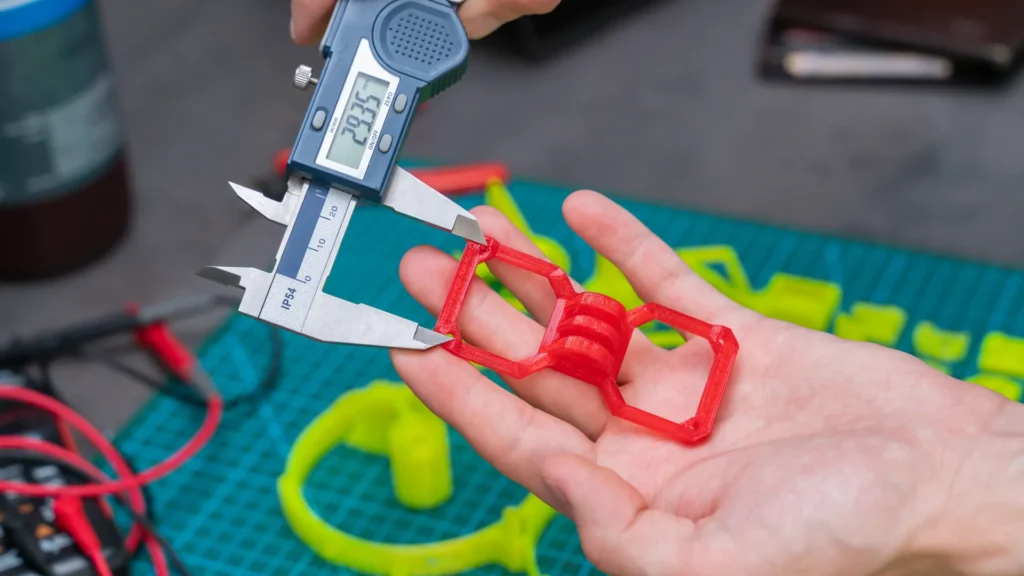
This researched guide uses the Prusa reference linked above, checked October 21, 2026. The dimensions are an original arithmetic example, not a tested fit specification. Stock photographs illustrate printed objects, filament, measurement, and notes; they do not document a Replicate Workshop clearance test.