
A useful build log lets you restart a project without reconstructing every decision. It should tell you which file produced the part, what material you used, what you changed, and what happened when you checked it.
The record doesn’t need to be elaborate. Start one note for the project, give each attempt a version, and put the evidence beside the decision it explains. A few specific lines written during the work are more useful than a polished account written after the details have blurred.
Write the goal before the settings
Describe what the object needs to do. A display base might need to fit a particular shelf, leave room for a cable, and come apart for storage. Those are different requirements from looking good in a photograph.
Keep the goal narrow enough to check. “Fits the shelf opening” needs a measurement and a clear account of what was measured. “Easy to assemble” needs a description of the assembly check. Neither becomes a reliable result because the finished object looks tidy.
If you want an example of a more formal documentation framework, the Robotics Education & Competition Foundation publishes an engineering notebook rubric. A home project doesn’t need to become a competition notebook. The useful question is whether the record makes the design decisions understandable.
Keep the source with the project
Record the original creator, source link, and the file or instructions you started from. Keep the relevant permission or license record in the project folder. If you changed the design, describe your contribution separately from the source material.
Preserve the editable master as well as the file sent to the tool. The Open Source Hardware Association’s documentation definition makes a useful distinction between a preferred editable design format and an intermediate production file. That distinction is helpful in a private workshop, too, even when you aren’t releasing an open-source project.
For a cutting design, for example, keep the editable artwork and the particular export you used. Our SVG versus PNG guide explains why a preview, a pixel image, and a set of cut shapes can serve different jobs.
Give each attempt its own identity
Use a version name that appears on the file, the notes, and the photographs. “Version 3” is enough if it means the same thing everywhere. Several unrelated files named final make it much harder to recover the actual result.
Don’t overwrite the previous attempt before you understand the change. Keep a brief entry for what you altered and why. If a revision changes the material, the dimensions, and the process at once, record all three. The result may be useful, but it won’t isolate which change made the difference.
Record the material you actually used
A material name alone may leave too much out. Note the product, supplier, stated thickness, measured thickness where relevant, finish, and any identifying batch information available. Keep offcuts with the same version label if they help explain a fit or surface result.
Settings belong with the actual equipment and material. Record the tool model, relevant software version, the production file, and the settings used for that attempt. Avoid turning one person’s settings into a universal instruction for every machine carrying a similar name.
Costs and time also need a boundary. Separate material purchased for the project from material consumed in the attempt. Separate active work from unattended machine time. If a figure is an estimate, label it as one. A half-used sheet and a full sheet bought at checkout answer different budgeting questions.
Photograph the point you may need to explain
A wide view shows orientation and scale. A close view can show a joint, finish, or small defect. Take both when they answer different questions. Include the relevant measurement or part label in the record so the image doesn’t depend on your memory.
Avoid a folder full of attractive finished-object photos with no record of what sits behind them. If an adjustment matters, photograph the area before and after the adjustment under comparable conditions. Don’t tidy away the evidence before recording it.
Write what you observed before assigning a cause. “The panel moved in the slot” is an observation. “The cutter caused the loose fit” needs more evidence. The first statement tells you where to look next; the second can send the next attempt in the wrong direction if it is only a guess.
Copy this build-log template
Use one project header, then repeat the attempt entry as needed. The blank fields are prompts for your own record, not a completed Replicate Workshop test.
Project header
- Project name and owner:
- Intended use and what must fit or work:
- Original source, creator, and link:
- Permission or license record location:
- Editable master file location:
- Known constraints or unresolved questions:
Attempt entry
- Date and version:
- Goal of this attempt:
- Material, product, and relevant measurements:
- Tool and software versions:
- Production file used:
- Settings and preparation:
- What changed from the previous version:
- Observations, with photo or measurement references:
- What remains uncertain:
- Material consumed and time, marked measured or estimated:
- Next change and reason:
Closeout
- Which version to keep:
- What was actually checked:
- Limits and checks still needed:
- Final file and photo locations:
- Instructions that would help someone restart:
Close the project honestly
A log can end with a working display piece, a promising prototype, or a decision to stop. Record the outcome you have. A single fit check doesn’t establish long-term durability, and a successful prototype doesn’t establish suitability for every use.
Before putting the project away, open the file paths in the closeout note and make sure they point to the version you mean. The value of the log is what you can recover later, after the bench has been cleared.
Editorial note
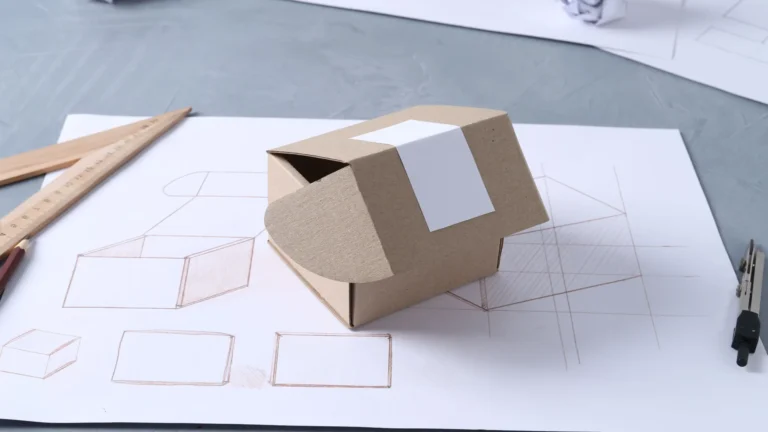
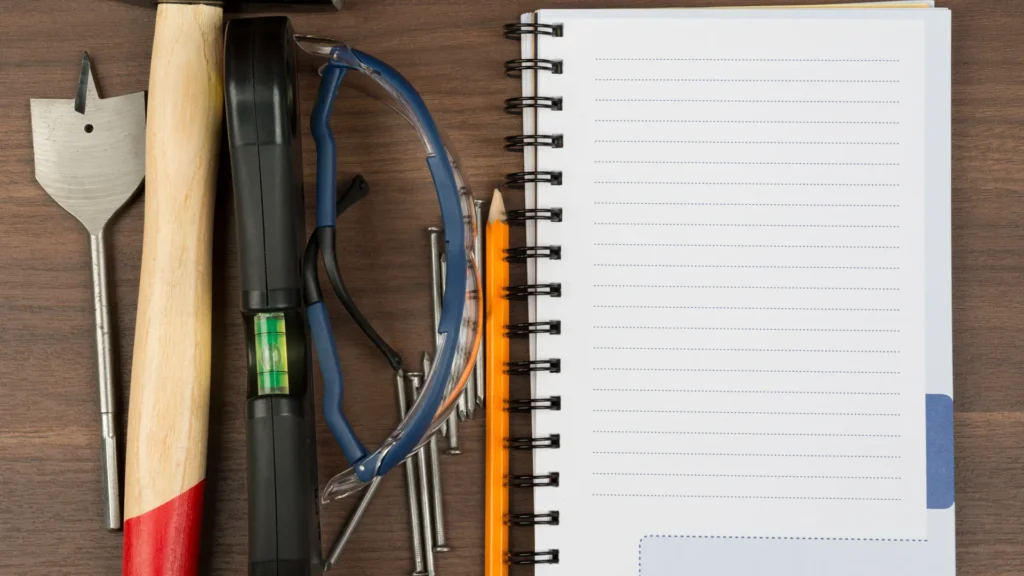
This original organizational template draws on the documentation references linked above, checked October 21, 2026. It is not a build test report or equipment-specific operating instruction. Stock photographs illustrate planning, materials, and measurement.