
The way a part stands on a shelf isn’t necessarily the way it should stand on the print bed. For a display object, start by deciding which face people will see. Then compare possible printing positions before accepting the first orientation that fits.
This guide concerns filament printing, also called FFF or FDM. It is a planning exercise for decorative objects, not a structural qualification or a set of resin-printing instructions.
Give the visible surface a priority
Imagine a small desktop nameplate with raised lettering, a shallow recess, and a back that will face the wall. This is a hypothetical design example, not a printed Replicate Workshop project.
The lettering is the main viewing surface. The back may tolerate a different finish, while the base still needs to sit as intended. Those priorities give you something concrete to compare when rotating the model.
Prusa’s modeling guide explains that the orientation and geometry of a filament print affect its appearance and integrity. It also distinguishes surfaces printed over supports from side walls and top fill. Turning the same model can change where those different surfaces occur.
Before slicing, identify the front, back, base, and any small detail you want to preserve. Use the orientation that serves the object, rather than treating the direction it was imported as a design decision.
Compare two candidates in the slicer
Keep the same model and material profile while reviewing two plausible orientations. For each candidate, record the observations below. Leave a field unknown if you haven’t checked it.
| Question | Candidate A | Candidate B |
|---|---|---|
| Which face touches the build plate? | Record the surface. | Record the surface. |
| Where are supports generated? | Inspect the preview. | Inspect the preview. |
| Do supports meet a visible detail? | Mark the contact area. | Mark the contact area. |
| Can you reach the support area afterward? | Check the geometry. | Check the geometry. |
| What time and material does the slicer estimate? | Record the estimate. | Record the estimate. |
| What still needs a physical sample? | Name the question. | Name the question. |
The time and material figures are estimates from your own setup, not measured print results. They are useful for comparing candidates, but a shorter estimate doesn’t settle the surface-quality question.
Prusa’s support-material documentation describes options that allow supports to start from the build plate or elsewhere on the model. It tells users to check the preview and verify that areas are supported or within an overhang the printer can manage. Review the actual generated result rather than relying on the name of a support option.
Look closely at the awkward detail
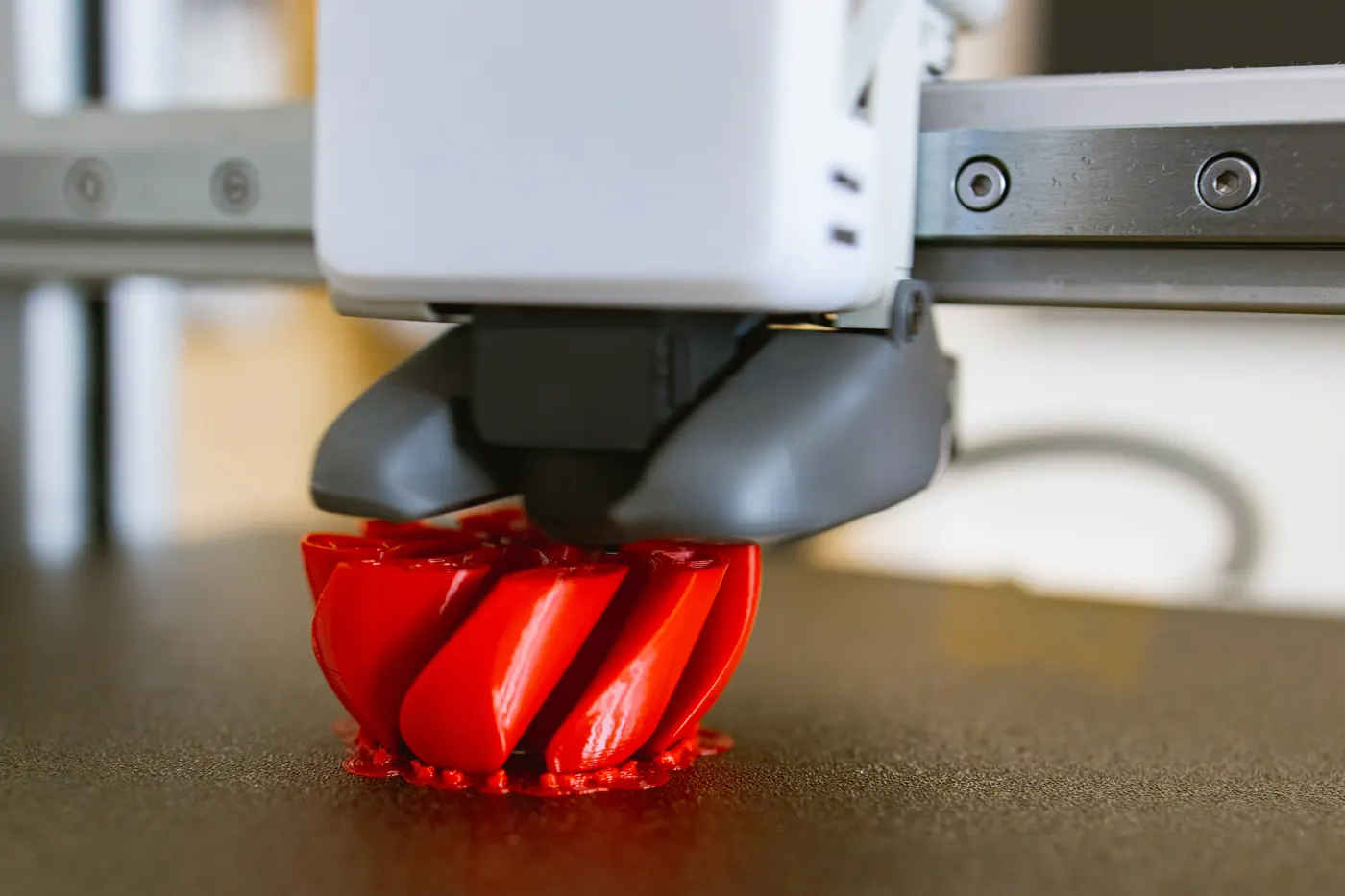
In the nameplate example, a broad face might look straightforward while the edge of a letter or the ceiling of a recess creates the awkward part. Inspect those details layer by layer in the preview. Look for supports beneath visible areas and for small features that don’t appear the way you expected.
Avoid importing one universal overhang angle into every project. Prusa’s modeling guide ties overhang capability to the printer, nozzle, and settings. Use guidance for your own equipment and material, then decide what needs to be checked physically.
A small representative sample can answer a narrow question, such as whether the lettering and its surrounding surface look acceptable in a particular orientation. Keep the same relevant geometry and setup. A sample of a flat base alone won’t answer a question about a recessed detail elsewhere on the part.
For mating pieces, also use the clearance and fit guide. Orientation is one decision in the preparation, and a good-looking face doesn’t establish that another component will fit.
Consider changing the model when rotation isn’t enough
Prusa notes that splitting a model into separate parts can allow better orientation and reduce support needs. For a decorative object, that introduces another decision: whether an assembly seam is acceptable and where it would appear.
Return to the display priorities before making that change. A seam across the main lettering may defeat the reason for splitting the part. A join on a less visible surface may be worth investigating. Neither result is established until you’ve checked the actual pieces and assembly.
Save the chosen orientation with the project file, along with a plain explanation of why you chose it. A note such as “kept support contact away from the front lettering” preserves the decision better than “best settings.” After printing, add what you actually observed and what still needs work.
References
Prusa’s modeling and support-material documentation checked October 21, 2026. The nameplate and worksheet are original planning examples. No physical comparison or structural test is claimed. Stock photographs illustrate printed objects, design discussion, and a printer in operation.