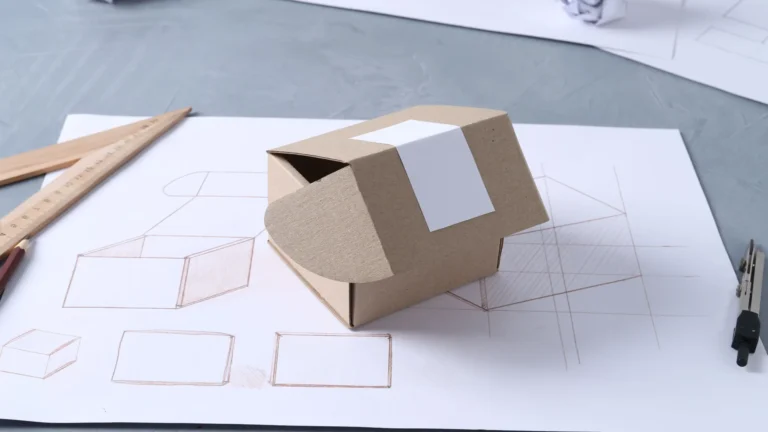
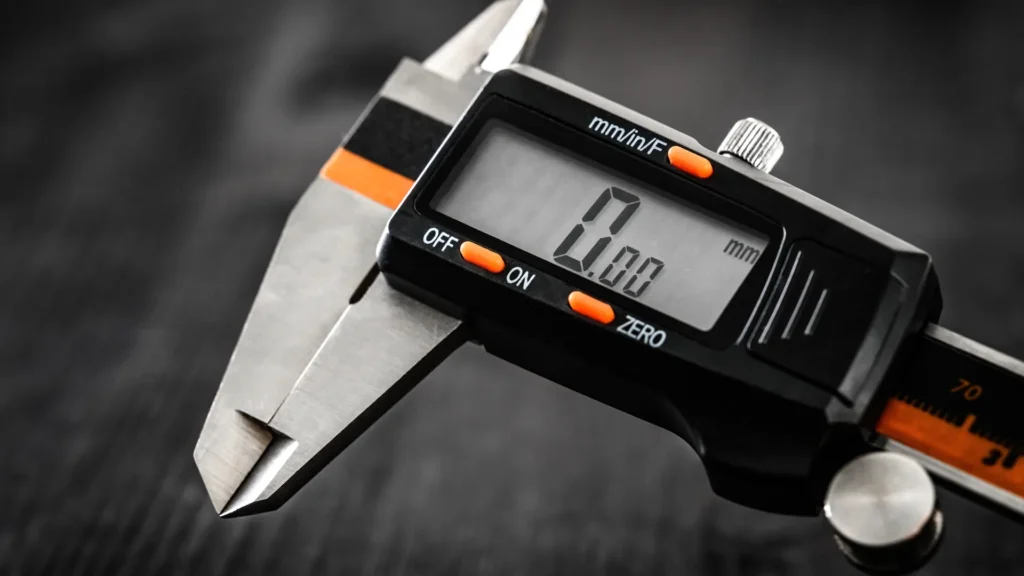

A digital caliper makes a dimension easy to read. It doesn’t tell you whether you checked the units, measured the intended surfaces, or held the jaws the same way twice. Before turning that number into a slot, recess, or decorative part, give the measurement a little context.
This checklist is for taking and recording an outside dimension. Inside, depth, and step measurements use different contact surfaces and techniques; use the instructions for your instrument and measurement.
1. Confirm the units and the reference
Read the unit indicator on the display before copying a number. Put the unit in your notes, even if the design file already uses millimeters or inches. It prevents a bare number from becoming ambiguous when you return to the project.
Follow your caliper’s instructions for checking zero. Mitutoyo’s caliper guidance calls for checking the closed-jaw zero even on its ABSOLUTE instruments, which don’t require the same routine zero setting as conventional digital models.
Use the manufacturer’s procedure if the check isn’t right. Repeatedly pressing zero without understanding the reference won’t explain a dirty measuring face, damage, or an unexpected display mode.
2. Clean and align the measuring faces
Starrett’s 799 operating instructions specify cleaning the measuring faces with a lint-free cloth or chamois. For an outside measurement, they show placing the part near the beam and warn against excessive measuring pressure.
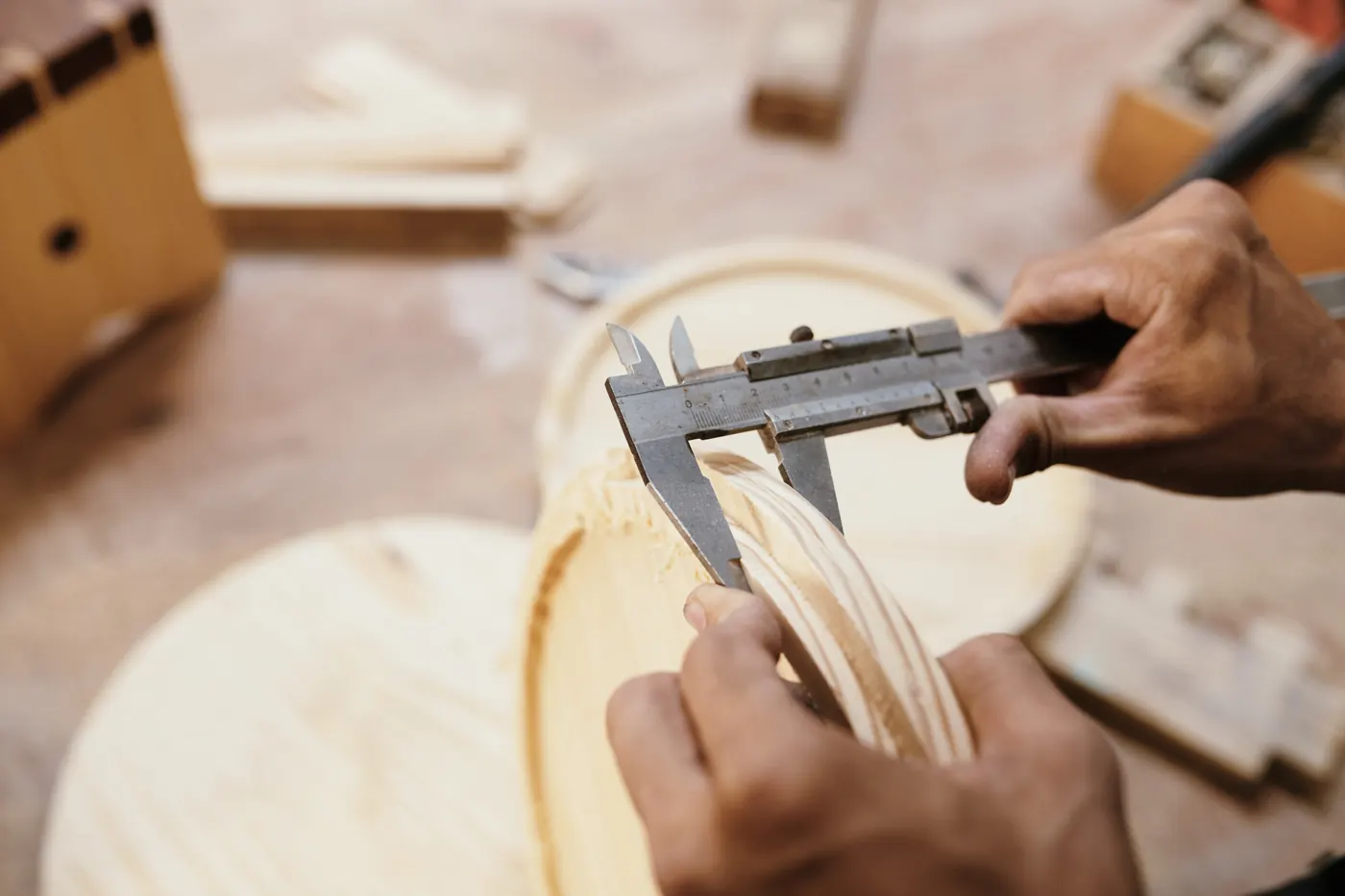
Use the correct outside-measuring faces and make contact with the surfaces that define the dimension you need. For a rectangular decorative insert, for example, record which edge and position you measured. A dimension from one end of an irregular piece doesn’t establish the width everywhere along it.
Don’t squeeze harder to make the display settle on a preferred number. Alignment and consistent contact are part of the measurement, rather than something the screen handles for you.
3. Take another reading of the same dimension
Open the jaws, reposition, and measure the same place again. Mitutoyo emphasizes repeated measurements and consistent force in its technique guidance.
If your readings differ, keep that information. Check whether you changed the contact position, jaw alignment, or pressure before choosing a value to enter in the design. Averaging unexplained readings would conceal the problem you’re trying to understand.
A second measurement at another position answers a different question: whether the part itself varies. Label it separately. “Width at left end” and “width at right end” are more useful records than two unlabeled numbers.
4. Read the specification behind the last digit
Resolution and stated accuracy are separate specifications. A display that changes in 0.01 mm increments doesn’t, by itself, establish an accuracy of ±0.01 mm.
For a manufacturer example, Mitutoyo’s caliper catalog lists model 500-776 with 0.01 mm resolution and ±0.02 mm accuracy. That’s the specification listed for that model in that catalog, not a rating for the caliper in the photographs or for every digital caliper.
Check the documentation for your own model, range, and measuring application. A zero check is useful, but it isn’t a full calibration across the instrument’s range.
5. Keep the measurement and the design decision separate
Record the object, measured location, tool, unit, repeated readings, and date. Then record the dimension you choose for the design as a separate entry, along with any clearance you’re allowing.
That way, a later fit adjustment doesn’t erase the original measurement. The 3D print clearance guide explains how a small fit sample can help evaluate a design allowance before committing to the whole print.
Sources and photographs
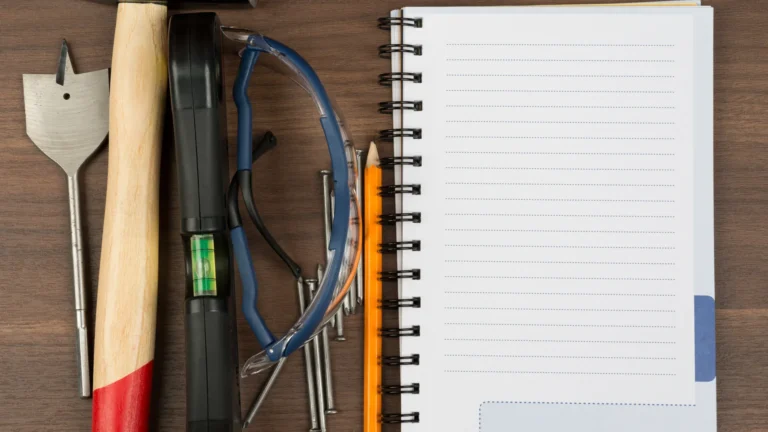
Manufacturer measurement and instrument references checked October 22, 2026. This checklist doesn’t report a Replicate Workshop calibration or accuracy test. Licensed stock photographs illustrate caliper use and project notes; they don’t establish the pictured instrument’s model, accuracy, or measured result.