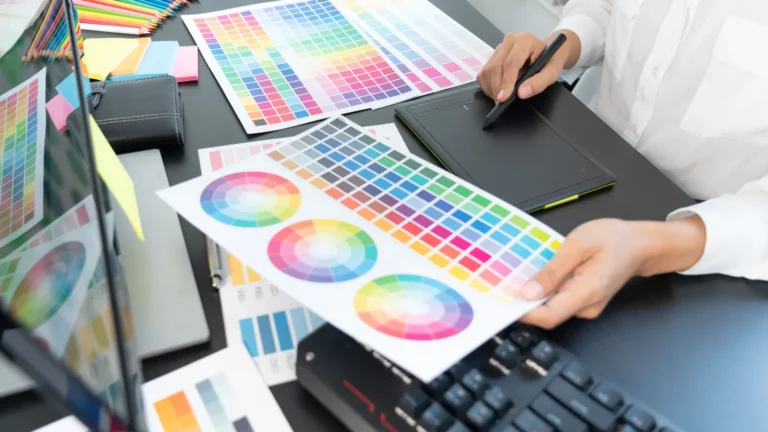
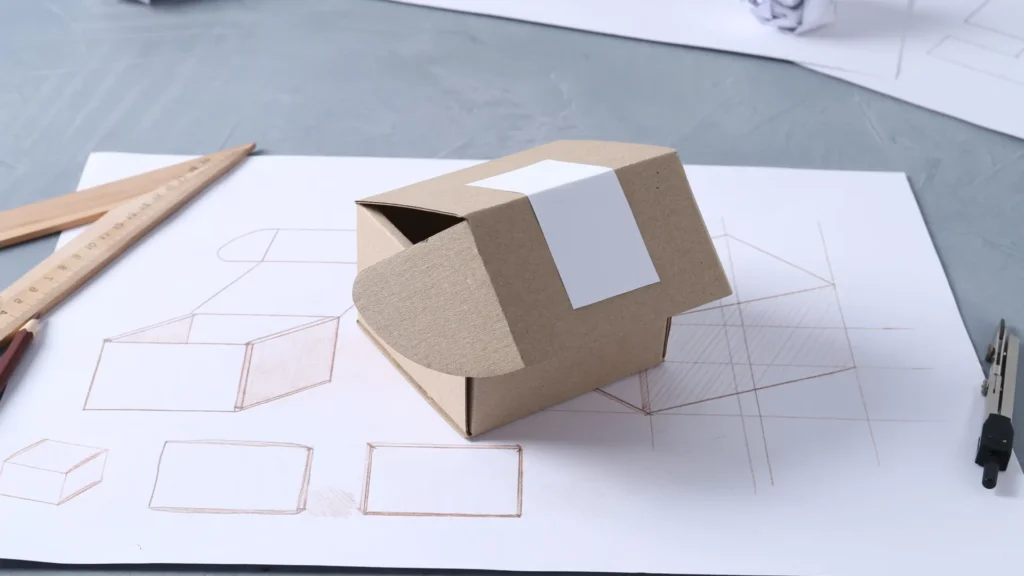

A paper mockup can help answer a size or layout question before you commit to the final material. It can show whether a shape occupies the space you intended, whether a label is easy to find, or whether two parts of an arrangement crowd each other.
It cannot tell you how wood will carry a load, how a joint will hold, or how a finish will wear. Choose a question that the mockup can actually answer, then leave the other questions open.
Give the mockup one job
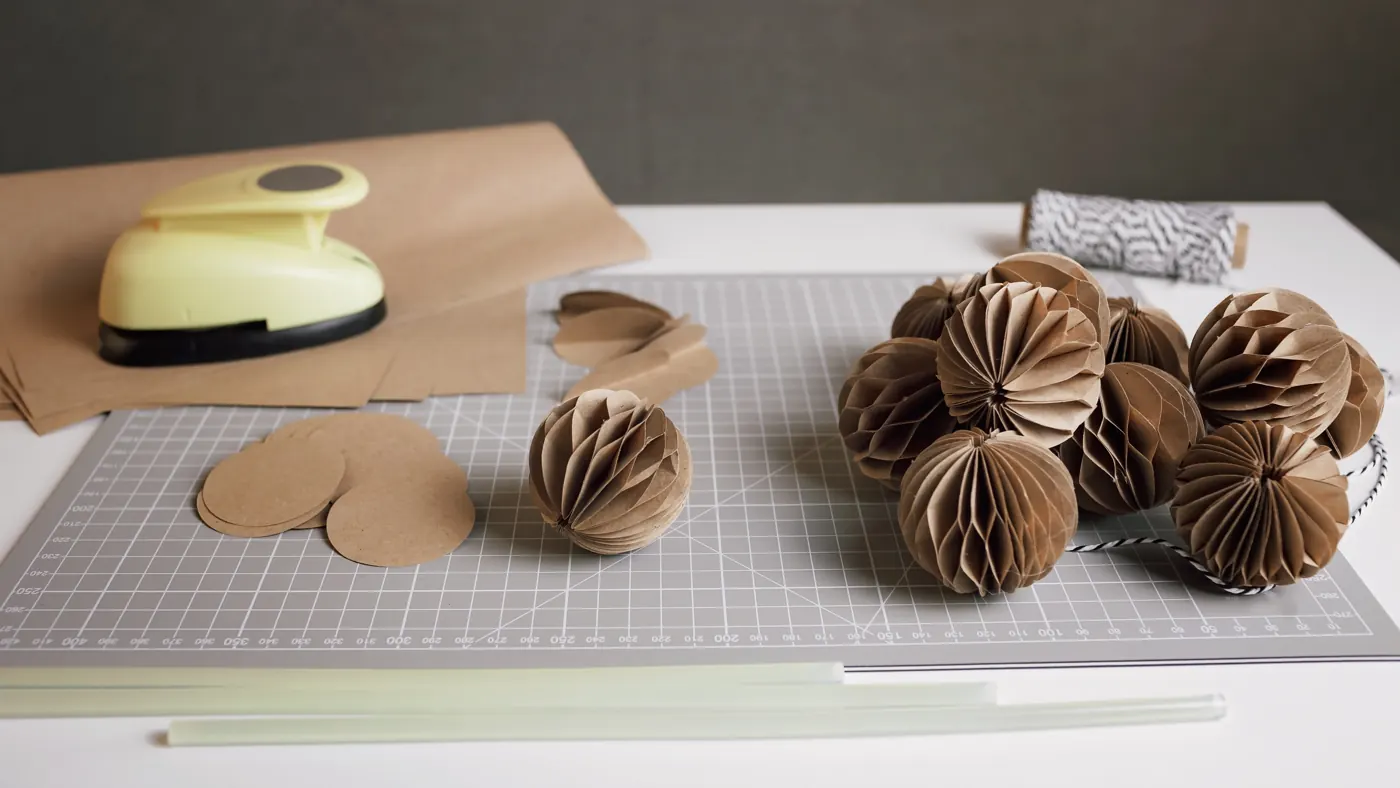
Write the decision in a sentence before making anything. For a small display, that might be: “Which footprint leaves room for the objects beside it?” For packaging, it might be: “Where should the opening and label sit?”
IDEO.org’s Determine What to Prototype method emphasizes identifying what you need to learn and which part of the idea to test. A workshop mockup benefits from the same focus. If the question is about the footprint, decorative detail can wait.
Choose a representation that preserves the part you are checking. A flat outline may be enough to compare footprints. A folded volume may be useful when height or an opening matters. Don’t add complexity merely to make the mockup look more finished.
Use full size when the decision depends on real space
A scaled model can help you understand an arrangement. It doesn’t occupy the actual shelf, desk, or drawer. When the question is whether something fits a particular space, make the relevant outline or volume at the intended size and compare it with that space.
Consider a hypothetical desk organizer. A paper footprint could help compare two possible widths beside a keyboard. It would not establish how a finished organizer feels to use, whether its compartments are deep enough, or whether the chosen material is suitable. Those need their own checks.
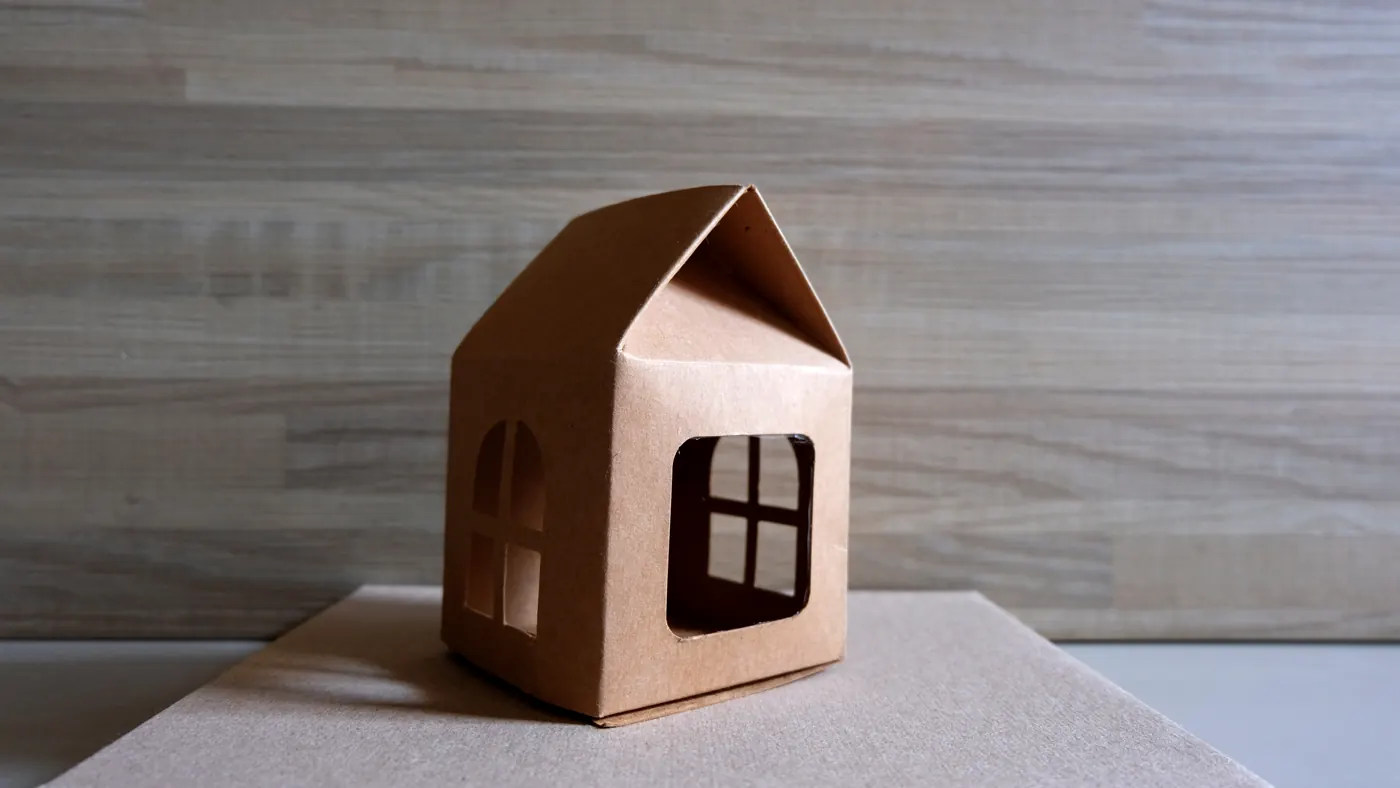
Label a reduced-scale model clearly. A convincing miniature can make an unresolved dimension feel settled when it is only easier to see. Keep the actual measurements beside it and distinguish measured dimensions from estimates.
Compare versions without polishing away the question
Keep the first version while trying the second. Give them simple names, and photograph each from a comparable position with enough context to show the difference you care about.
If you ask someone else for feedback, let them look at the mockup before explaining why you prefer it. Ask a concrete question, such as where they would expect to open the package or which area they would reach first. Record their answer accurately; don’t turn a polite comment into proof that the design works.
IDEO.org’s rapid-prototyping overview describes making ideas tangible, gathering feedback, and repeating the process. The useful output is what you learn, not how closely the first version resembles a finished product.
Keep the material questions separate
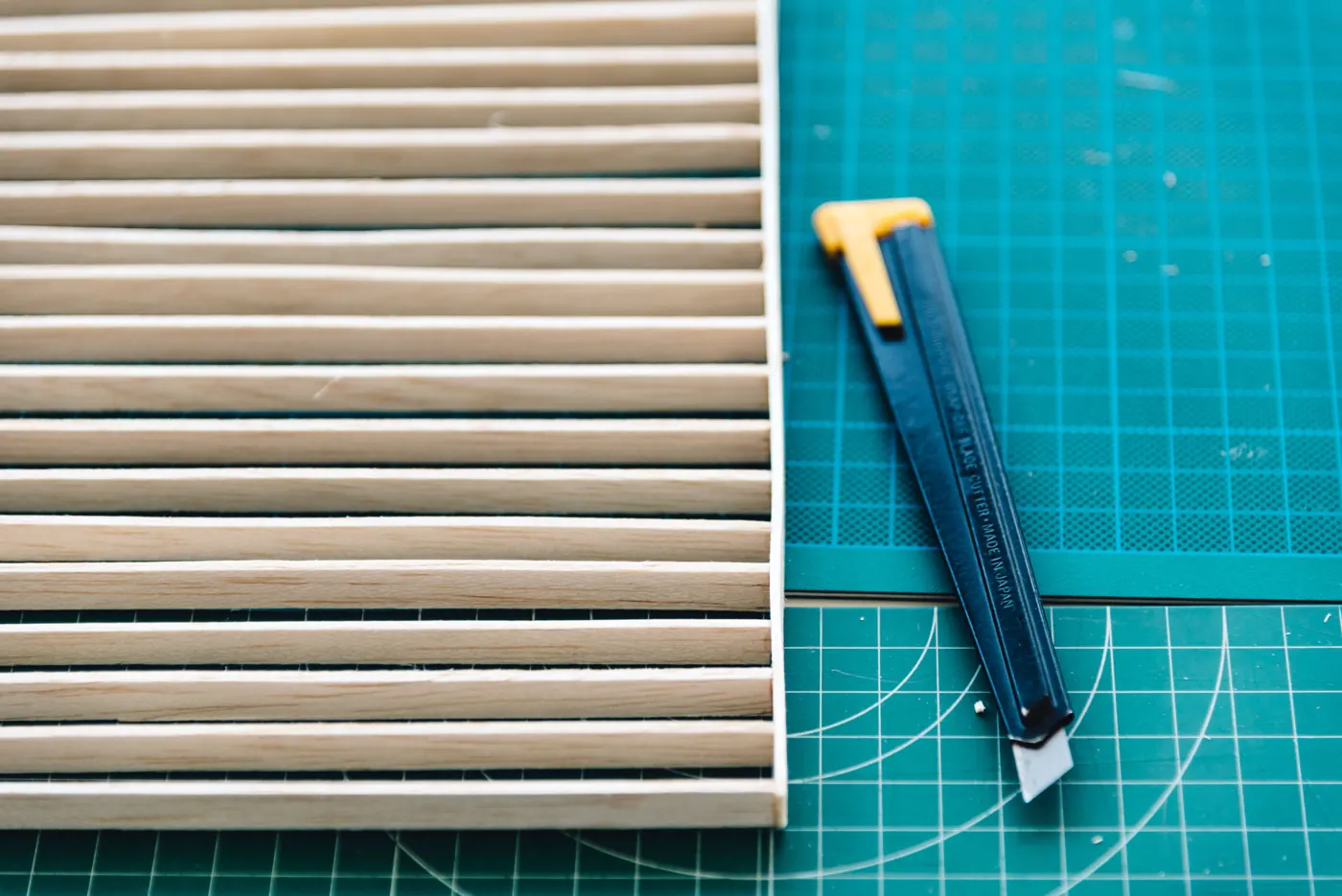
A paper version behaves like paper. A finished material may have different thickness, stiffness, weight, edge behavior, and assembly needs. If one of those properties controls the decision, move to an appropriate material sample or prototype rather than treating the paper version as a substitute.
The same boundary applies to a cutting file. A shape that looks right on screen still needs checking for the intended production method. Our SVG versus PNG guide explains how image appearance and usable cut shapes differ.
End with a decision and a limit
Before moving on, finish these four lines:
- The question this mockup addressed:
- What was observed, with version and photo references:
- The design change to carry forward:
- What this mockup did not establish:
Add them to the workshop build log with the measurements and source files. If the mockup changed the plan, record the change before making the next version. If it didn’t answer the question, change the representation or the question before investing more time in decoration.
Source note
This original planning guide draws on the IDEO.org methods linked above, checked October 21, 2026. The desk-organizer scenario is hypothetical. Stock photographs illustrate paper materials and models, not completed Replicate Workshop tests or builds.