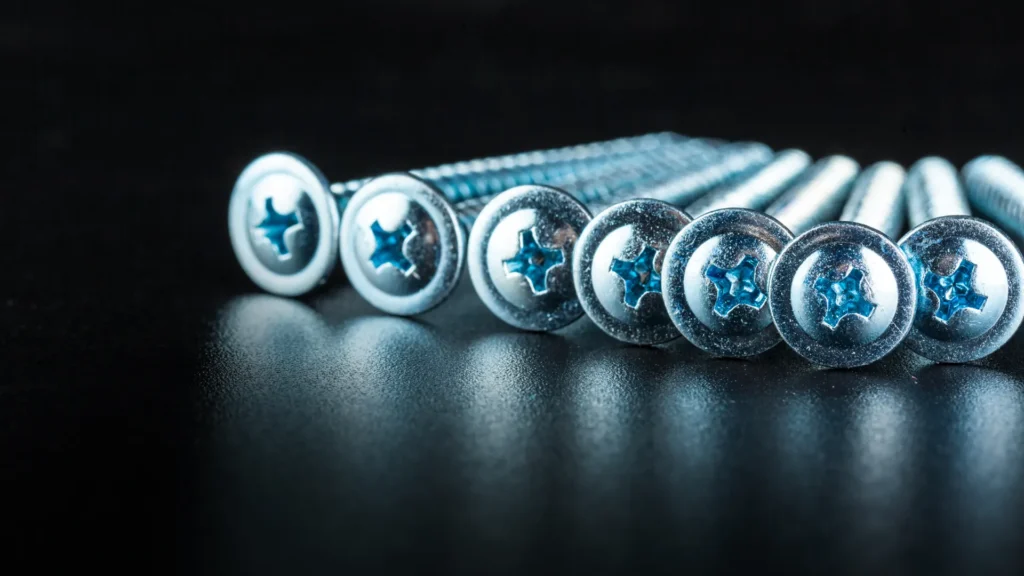

A screw that needs to sit below a surface doesn’t automatically need a countersink. Look at the underside of its head first. A tapered seat and a flat seat are different shapes, even when both leave the top of the fastener out of the way.
For a small enclosure, display, or jig, choose the actual fastener before finalizing its recess. A tidy drawing with an unspecified screw leaves an important part of the fit unresolved.
Which recess matches which head?
A countersink is conical. It provides an angled seat for a matching countersunk screw head. A counterbore is a cylindrical recess with a flat bottom, where a suitable flat-underhead fastener can seat. Rockler’s comparison explains the distinction and why a counterbore may also need room for a washer or driving tool.
| Recess | What to identify on the drawing |
|---|---|
| Countersink | Conical seat, specified angle, and opening diameter |
| Counterbore | Flat seating surface, recess diameter, and recess depth |
The drive is another detail. Phillips, slotted, and hex-socket describe how a tool engages the head. They don’t, by themselves, tell you the shape underneath it. Accu’s countersunk screw range includes several drive styles within the same head category.
Is the recess also the screw hole?
Think of the head recess and the hole below it as separate decisions. The recess accommodates the head. The narrower hole may provide clearance for the screw or contain threads, depending on the assembly.
In Autodesk Fusion’s Hole command, the hole shape and tap type have separate controls. Counterbore dimensions include depth and diameter; countersink dimensions include diameter and angle. The drill-point angle is a different setting again. Check the field label before typing a number.
A hole can look convincing in a top view while its section is wrong. Inspect a section through the fastener and the mating parts before treating the drawing as ready to make.
What should go in the project notes?

Keep the supplier’s drawing with the chosen part number. Don’t borrow a head angle or diameter from a different screw just because the thread designation matches. A caliper reading can help describe a part in hand; it doesn’t replace a specification for every feature.
Use this short review list before ordering hardware or handing over a drawing:
- Identify the fastener by supplier, part number, and revision if one is given.
- Record the head profile and the dimensions needed for its seat.
- Specify whether the screw passes through or engages threads in each part.
- Include any washer and the tool access needed for assembly and removal.
- Check the recess against the material thickness and the rest of the design.
- Keep unresolved dimensions visibly marked until they are confirmed.
For example, a removable cover may need both a recessed head and enough access to reach the drive after the surrounding parts are installed. Sketching that access is a design check, not evidence that the joint has been tested.
Put the drawing and hardware reference in the project handoff folder. If the fastener changes, review the recess too. The word “flush” describes a desired position; the chosen head and its matching seat determine the geometry that gets you there.
Research checked October 22, 2026. This is a drawing and hardware-selection guide, not a load rating or a report of a Replicate Workshop fabrication test.
Found an error or an outdated detail? Send a correction for this article.