

Use the actual dimensions of the material when a woodworking drawing needs a physical size. The familiar “2×4” label is a nominal size. It doesn’t mean the finished board measures two inches thick by four inches wide.
For common surfaced softwood lumber, drying and surfacing help explain the difference between the familiar name and the dimensions you can measure. Lowe’s lumber-size guide describes that distinction and recommends checking actual measurements before buying material for a project with specific dimensions.
Read the nominal and actual sizes separately
A supplier’s listing can show both. For a concrete example, Dunn Lumber’s SPF 2×4, 96-inch stud lists a nominal size of 2 inches by 4 inches and actual dimensions of approximately 1.5 inches by 3.5 inches. It lists the length separately as 96 inches.
| Information in that listing | Dimension |
|---|---|
| Nominal thickness and width | 2 in × 4 in |
| Listed actual thickness and width | Approximately 1.5 in × 3.5 in |
| Listed length | 96 in |
This is a product-listing example, not a recommendation to use that stud for every woodworking project. Don’t apply its dimensions to every wood product or assume that all size labels use the same convention. Check the specification of the material you’re actually considering.
Carry the actual size into the drawing

Suppose a sketch allows four inches for the width of a board because the shopping note says 2×4. Using the example’s listed 3.5-inch width leaves a half-inch difference. That’s an illustrative comparison, not a measured result from a build.
Resolve the difference in the design before relying on it for a fit. Don’t quietly change a dimension in one place and leave the original assumption elsewhere in the drawing or parts list.
When measuring your own stock, identify which dimension you’re recording and include the unit. A note reading “3.5” is less useful than a labeled width. The inches and millimeters guide covers keeping units with dimensions when moving them into a file.
Keep stock size and finished-part size distinct
The material you buy is the starting stock. The drawing describes the parts the project requires. If the plan calls for further preparation, don’t assume the stock’s listed dimensions are automatically the finished part’s dimensions.
Record the nominal name when it helps identify what to purchase, the supplier’s actual specification, and the dimensions required by the design. Confirm that those describe compatible material before buying. If the design’s requirements are unclear, resolve them rather than replacing them with the familiar name on a shelf label.
Keep those details beside the current cut list and materials list. When the material changes, check which dimensions and quantities depend on it before carrying the old list forward.
References
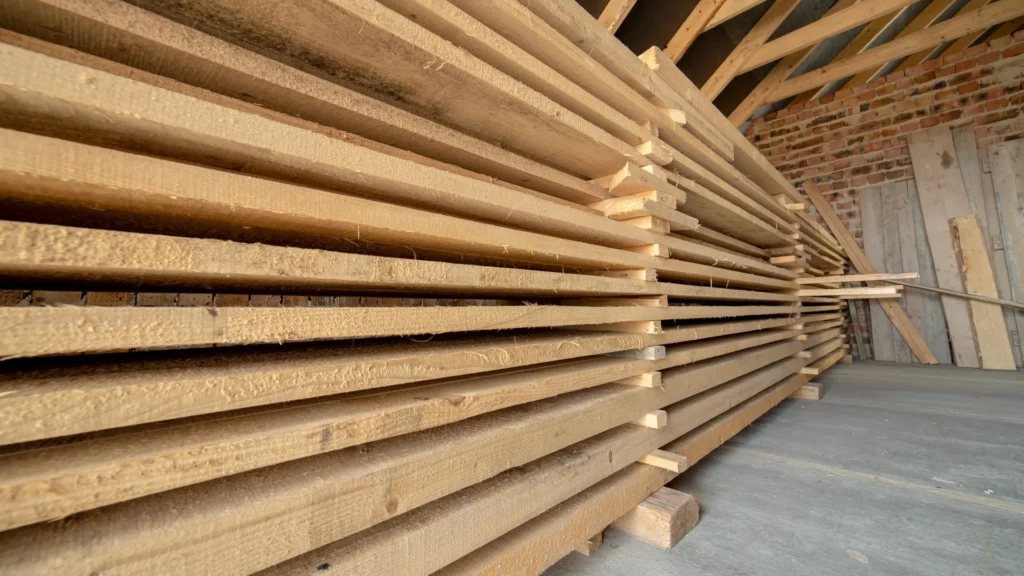
Lowe’s nominal-and-actual size guide and Dunn Lumber’s listed product specifications checked October 21, 2026. The half-inch comparison is original illustrative arithmetic. Stock photography shows lumber, not the specific supplier product or material measured in a Replicate build.
Found an error or an outdated detail? Send a correction for this article.