
If you want to return to a 3D print later, save more than the model’s shape. Keep the model file, the slicer project, and the editable source design together. They let you return to different stages of the work.
The important question is what a particular save operation preserved. A filename ending in 3MF can carry more information than STL, but that doesn’t tell you exactly what the exporting application put inside it.
STL stores the surface geometry
Prusa’s file-format guidance describes STL as the object’s geometry represented by surface triangles. An STL export isn’t a saved record of the printer, filament, and print settings you selected in the slicer.
That can be appropriate when you’re sharing a model for someone else to prepare. Include the intended dimensions and units in the handoff note, and check the imported size in the receiving application. The design-units guide covers keeping units attached to the dimensions you exchange.
A 3MF slicer project can preserve the setup
In PrusaSlicer, File > Save Project as saves a 3MF containing the objects, settings, modifiers, and their parameters. Prusa describes it as a snapshot of the slicer project, useful when you want to reopen the setup later.
That’s a specific application’s project-save behavior. It doesn’t establish that every 3MF exported by every design application contains the same slicer settings. Keep the application name and version with the file so the next person knows what you’re asking them to reopen.
The 3MF Core Specification defines a model unit, with millimeter as its default. The format also supports more than a single bare surface description. What survives a handoff still depends on the contents written and the receiving application’s support.
A project file doesn’t replace the source design
The 3MF Consortium FAQ distinguishes the manufacturing format from CAD formats such as STEP and IGES. Keep the original editable design rather than expecting a mesh export to become your complete design archive.
Think of a decorative insert with a dimension you might change. Your source design is where you would prefer to make that revision. The model export is what you hand to the next preparation stage. The slicer project records that stage’s setup. Give each a clear name so you aren’t trying to identify the right one from a row of nearly identical thumbnails.
Record the setup alongside the file
For a project you want to revisit, keep a short note with:
- The model revision and its intended dimensions.
- The source application and editable design file.
- The slicer application and version used to save the project.
- The printer, nozzle, and material profiles you selected.
- Any settings you deliberately changed and why.
- A separate record of any actual print and fit check you carried out.
Reopen the saved project before calling the archive complete. Confirm the model size, arrangement, and intended profiles in that application. If someone else opens it, have them review the setup for their own printer and material rather than assuming your saved choices apply to their equipment.
A saved configuration tells you what was selected. It doesn’t prove that a print was made or that the resulting part fit. Keep those observations separate, so a useful setup file doesn’t gradually acquire results nobody recorded. The workshop build-log guide explains how to retain revisions and outcomes together.
Sources and photograph
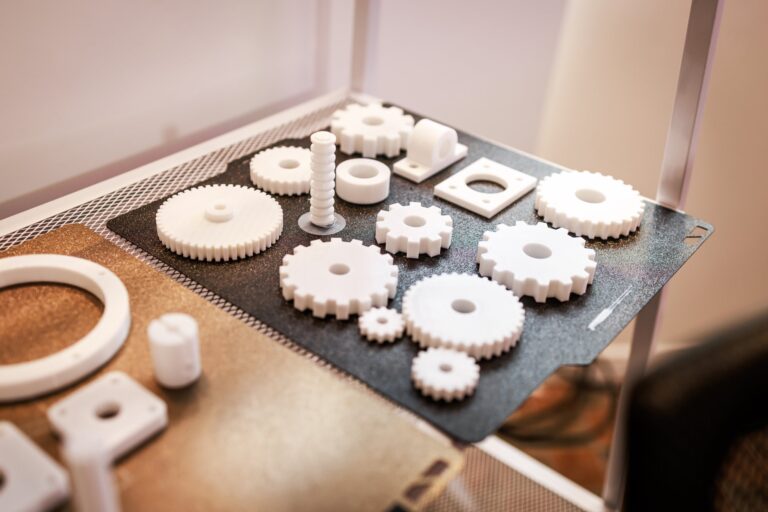
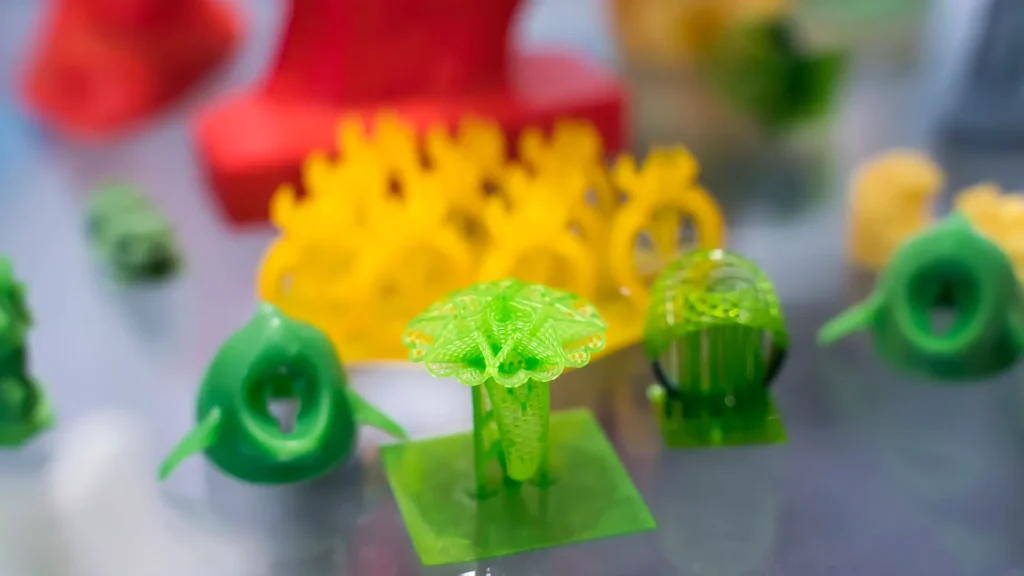
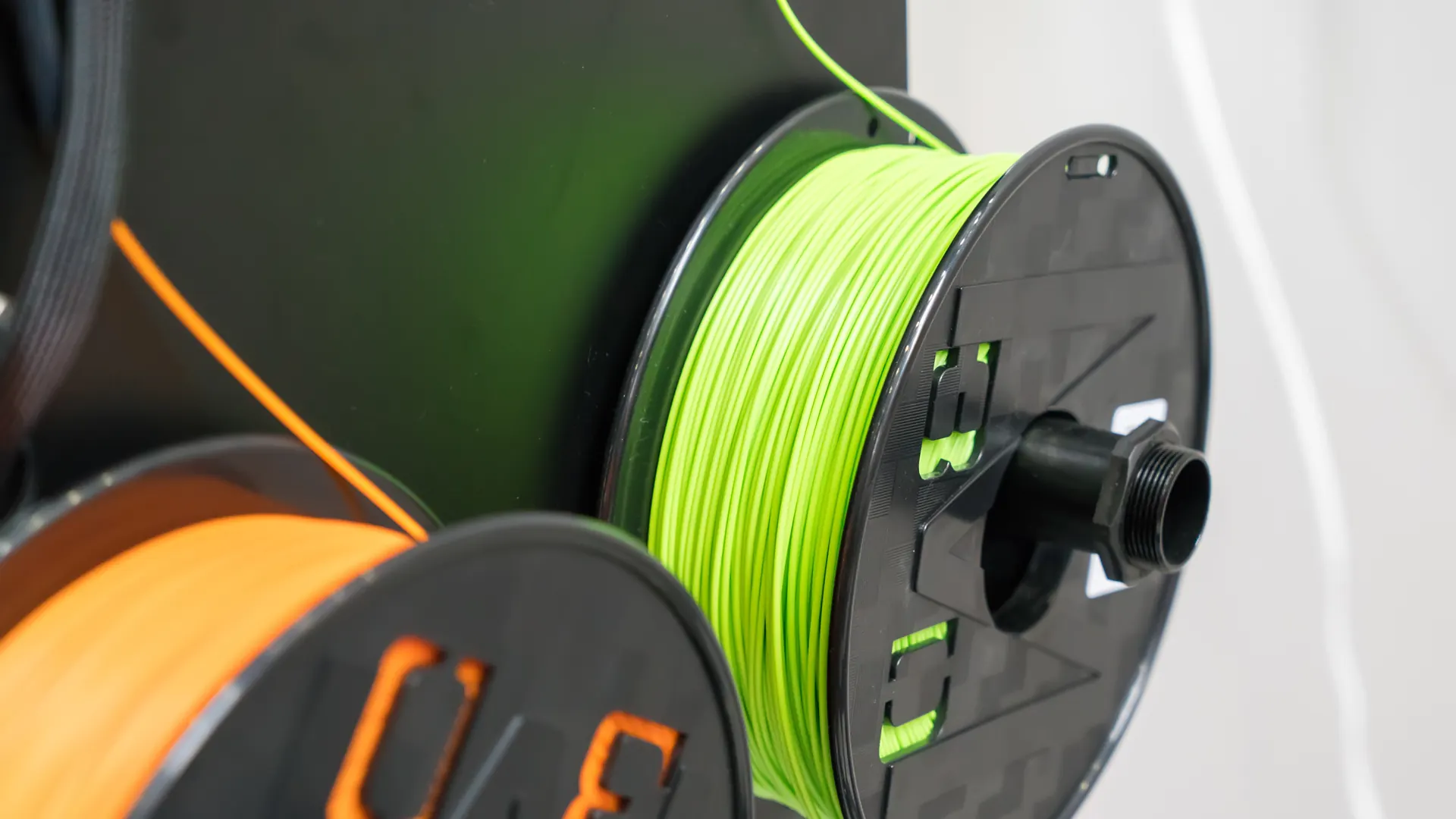
Prusa and 3MF Consortium documentation checked October 22, 2026. This is a file-handoff guide, not a Replicate Workshop comparison print. Licensed stock photographs illustrate printed objects and filament; no source file format or print profile is claimed for the pictured models.
Found an error or an outdated detail? Send a correction for this article.